Renku Release | June 2026 • Direct Zenodo Publishing, Smoother Integrations and Expanded R Support



Your data might live on Zenodo, your code on GitHub, and your compute in the cloud — but they shouldn't feel worlds apart. Renku is built to bridge these gaps, and our latest 2.16.0 and 2.17.0 updates make it much easier to work, share, and publish without the configuration headache.
Whether you are running data-intensive computations or preparing a project for public citation, these enhancements keep your project resources tightly connected.
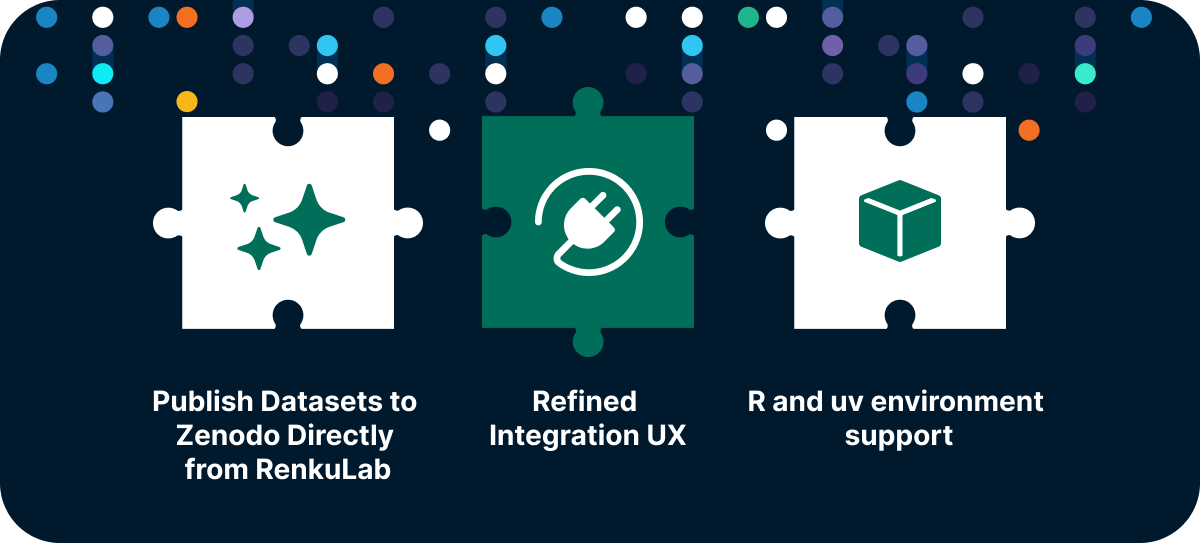
We have focused heavily on closing the loop of the research lifecycle. From launching your favorite interactive workspaces to sharing your final, citable results with the global community, these latest updates remove setup clutter and smooth out your daily workflows.
🌟 Publish Datasets to Zenodo Directly from RenkuLab
The transition from a finished analysis to a published dataset is now a lot more straightforward. You no longer need to manually export files, log into external repositories, and re-upload your data just to get a permanent digital identifier for your work.
How it works: You can now publish your datasets directly to Zenodo right from the RenkuLab interface. With just a few clicks, you can deposit your data, trigger a publication workflow, and generate a permanent DOI (Digital Object Identifier) for your research data. This ensures your outputs are instantly citable and fully compliant with European and Swiss Open Research Data (ORD) mandates—without ever leaving your workspace.
For more details on this feature, see the docs.
Acknowledgment: We are very grateful for the support of the ETH Domain Open Research Data program, which made the development of these integrations possible through project funding in Measure 2.
📦 Smarter Integrations and Reusing Data Connectors
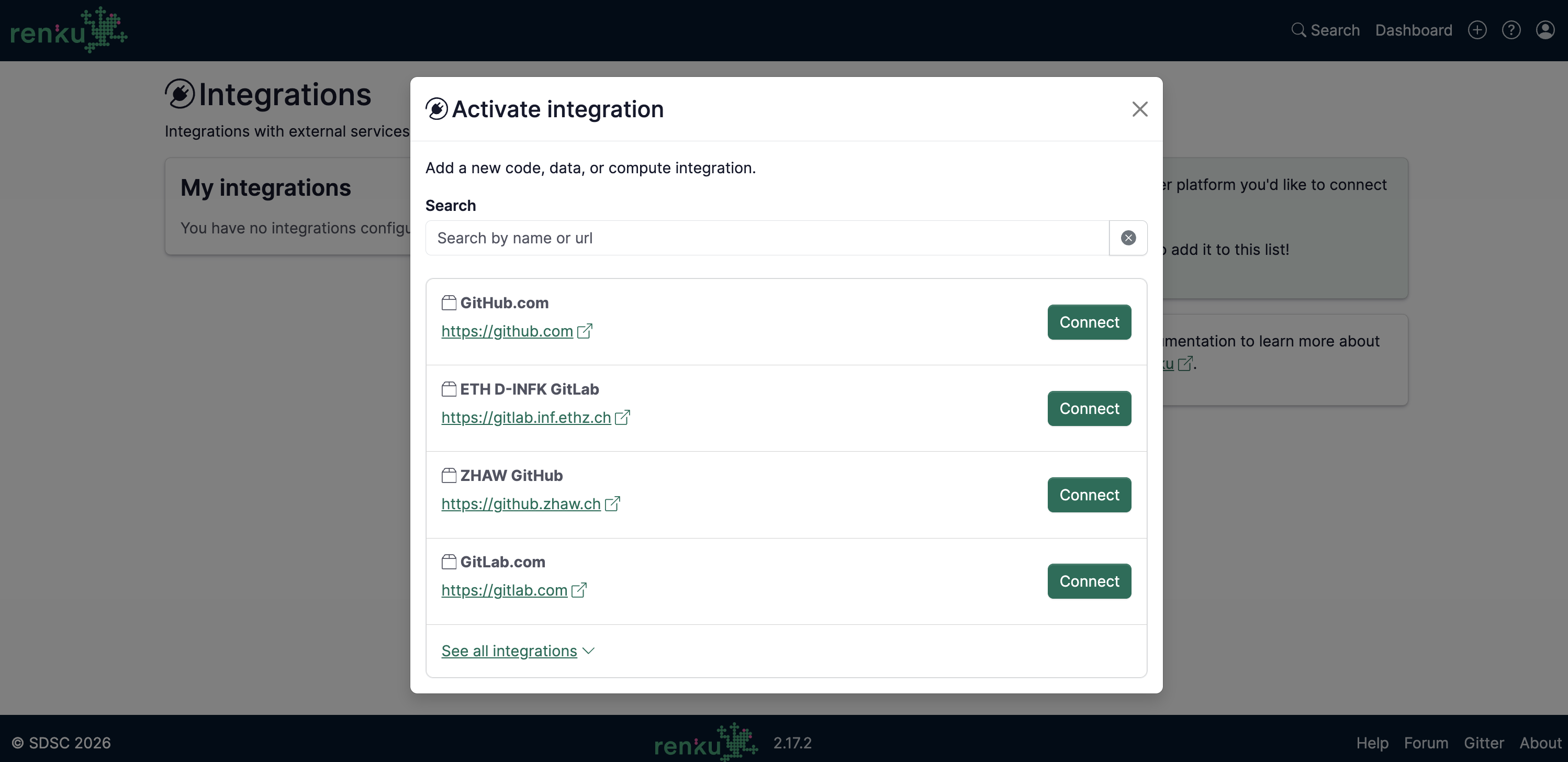
We gave our integration pages and user flows an upgrade to clear away configuration steps and make managing your connected tools easier.
- Smarter Connector Selection: Linking cloud storage to a new workspace now takes just a few seconds. Selecting from your existing endpoints is highly intuitive, getting you from setup to coding faster.
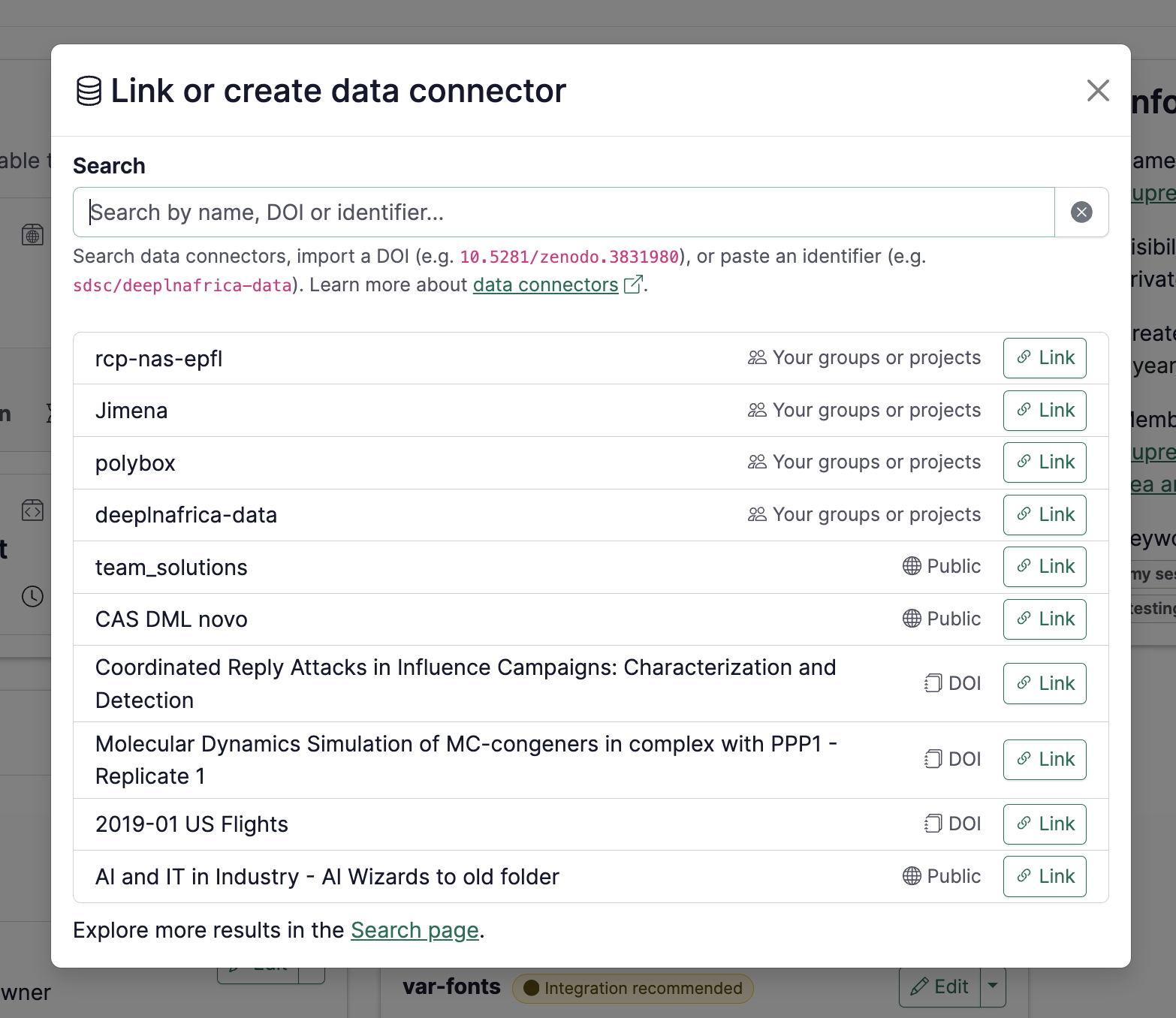
- Polished Integration UX: We’ve trimmed unnecessary clicks and clarified configuration steps across RenkuLab integrations, keeping your focus on the data rather than the interface.
📊 Build R Environments from Code
We haven't forgotten about our R community! Our underlying buildpacks have been updated to version 0.6.0, introducing dedicated, first-class support for R and RStudio session variants.
We currently support R projects using renv — if your repository includes an
renv.lock file, Renku will automatically build an image with all your required
packages pre-installed. See the
docs
for more details.
⚡ Fast Python Environments with uv
Python users, this one is for you. We’ve added support for the uv package
manager, which has been a frequent request from our community. Simply use the
"build from code" launcher, point it to your uv-enabled repository, and Renku
will handle the rest. Please let us
know
if you encounter any quirks or bugs.
A Huge Community Shoutout: This update wouldn't be here without our collaborators at Idiap. They did the heavy lifting by contributing these environment improvements directly to the upstream Paketo buildpack ecosystem, making builds faster not just for Renku users, but for the broader open-source community. 🙌
🔧 Under the Hood: Fixes & Performance
Additionally, we fixed several session bugs—including resource class selection and resource allocation tracking—to ensure that when you launch a session, it gets the exact compute power it requested.
While these are the highlights, there were other features addressing administrator requirements, smaller fixes, and performance tweaks in these releases. For the curious, you can find the full technical breakdown on our GitHub Releases page.
🐸 Ready to get started? Hop into renkulab.io and get a jumpstart with our documentation.
💬 We love to hear your feedback! Share questions, ideas, and suggestions with us on our forum.
🚀 Curious about what's coming next? Check out our roadmap to see what new features we're working on.